PitchKitchen← Back to the group
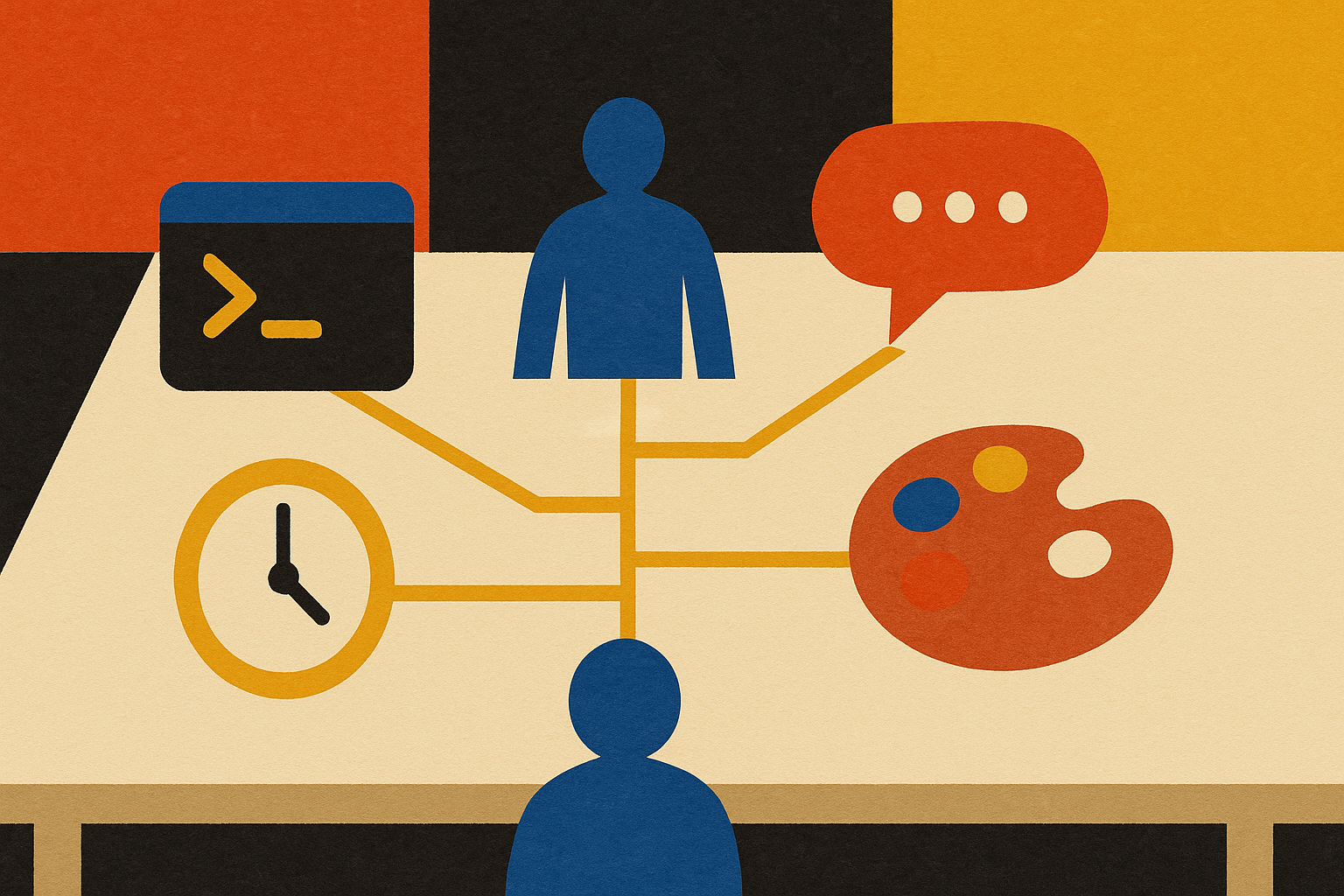
Paper-collage illustration for: Configure your Claude stack
Shift 00· Claude Training for CEOs00

Configure your Claude stack

Before Claude can do anything powerful for you, you have to know which room you're standing in. Three surfaces, a couple of new words, and one bit of plumbing. Get the stack straight and everything else opens up.

The confusion that stops almost everyone

You open Claude, and it turns out there isn't one Claude. There are three. And nobody hands you a map.

This is the wall. Not the AI itself, the layout. People sit down ready to work and spend the first hour unsure which door they walked through, why their agents are in one place and their tasks are in another, and whether the thing they built yesterday even lives where they think it does. It's not that they're slow. It's that nobody drew them the floor plan.

So here's the floor plan. Once you can name the rooms, the whole thing stops being intimidating and starts being useful. That's the entire job of this foundation session: get your stack straight, connect the plumbing once, and everything after this gets easier.

The three rooms

Claude shows up in three surfaces, and they are not the same tool with different paint. They have different powers. Stand in the wrong one and you'll swear the feature you need is missing, when really you're just in the wrong room.

Claude Chat is the thinking room. Ask questions, brainstorm, pressure-test an idea, get a second brain on a decision. It talks. It's brilliant, and it's where most people start.

Claude Cowork is the connected room. Point it at your email and your systems and it can read what's there, pull things together, and put things back. This is where it stops being a chatbot and starts touching your actual work.

Claude Code is the workshop, and it's ten steps up from the other two. It'll chat, it'll connect, but it also builds. Websites, documents, whole systems, your team of agents. When you watch a homepage get built in minutes instead of hours, that's Code. This is where the real leverage lives, and it's where I do nearly all of my work.

One more piece: Dispatch is the little side door that lets you reach Code from your phone. You won't always be at your desk. Dispatch means the workshop is still open when you're on the road.

The orientation prompt

List every skill you already have available to me, and what each one does in one line. Then explain the difference between working with you in Chat, in Cowork, and in Code, and tell me which surface to use for which kind of job.

Run that on day one. It turns the fog into a map you can actually read, in Claude's own words, about your own setup.

Skills and agents, untangled

Two words trip everyone up, so let's kill the confusion now. A skill is a trained move. An agent is a hire. They are not the same thing, and once you feel the difference the whole system clicks.

A skill is something Claude can do, end to end. Not a custom GPT that hands you text and stops. A skill acts. It builds the thing, sends the thing, files the thing. Claude ships with about a hundred of them already on board, and "slash goal" is one you've probably already used. You can also train your own, so a move you make over and over, a recap, a proposal, a homepage, becomes a single slash command you fire whenever you want it.

An agent is a persona with a job description. It has a name, a lane, and standing instructions, and it can reach for whatever skills it needs to get its work done. One agent might tap five skills. Another might run a job you trained it on directly. Agents are what run on a schedule while you sleep.

Say it plainly: skills are the verbs, agents are the people you hand them to. Get that straight and you'll stop asking "is this a skill or an agent" and start asking the better question, which is "what job am I trying to get done, and who should own it."

The plumbing, and why it's the hard part

Here's the honest part nobody says out loud: the single hardest thing in this whole journey is the least glamorous. It's connecting the pipes. Claude Code needs a tool called Git installed so it can save files on your computer and publish your work to the cloud. Almost everyone hits this wall, stares at a terminal, and quietly decides to deal with it later.

Don't deal with it later. And don't try to be a programmer about it. The move is to make Claude walk you through its own setup, one step at a time, and wait for you at each step. It knows exactly how to unblock itself.

The unblock-the-plumbing prompt

Claude Code is telling me I need to install Git to run local sessions. Walk me through it step by step for my computer, one step at a time, and wait for me to finish each step before you give me the next one. Assume I've never opened a terminal before.

That's the whole trick to the scary parts. You don't learn to code. You ask the thing that codes to hold your hand through the setup. I promise you this is the hardest stretch of the road, and it's a one-time thing. Get the wires connected once and it gets easier from here.

Pick the strongest model, then go hard

One setting quietly decides how good your results are: which model you're running. Default to the strongest one available to you (right now that's Fable). And find the little usage circle in Code, because it shows what you've got left in the tank this week. If you're barely into your allotment, there's no prize for saving it. Point the best model in the world at something that matters and let it run.

Your stack, in four moves

You don't have to master all of this today. You have to get four things standing. Do these in order.

  1. 1Learn the three roomsChat to think, Cowork to connect, Code to build. When something feels missing, first ask whether you're just standing in the wrong room.
  2. 2Connect the plumbingInstall Git so Code can save and publish. Let Claude walk you through it one step at a time. This is the wall. Get over it once.
  3. 3See what you already haveAsk Claude to list its skills and set your model to the strongest one. You own more capability than you think, before you build a single thing.
  4. 4Do one real thing in CodePick a small, actual job from your business and finish it inside Code. One completed thing teaches you more than a week of reading about it.

The reflex that ties it all together

Once the stack is standing, here's the habit that keeps you moving: when you don't know where something lives or whether Claude can do it, ask Claude, not Google. That's how you find the features you didn't know existed. The reflex should be to ask the machine first. Do that for a week and you'll notice you've stopped reaching for the search bar at all.

Your homework

Get the plumbing connected. Install Git, open a real session in Code, and let Claude walk you through anything that snags. Then do one small, real thing: train Claude on your business by uploading what you have or letting it interview you, or build one simple thing you actually need. Come back and tell us where you got stuck and what you got standing. That's what the next session is for.

We work through these live, with a room full of CEOs, while the $50/month introductory rate is still open. Want in?

Join your first session free →