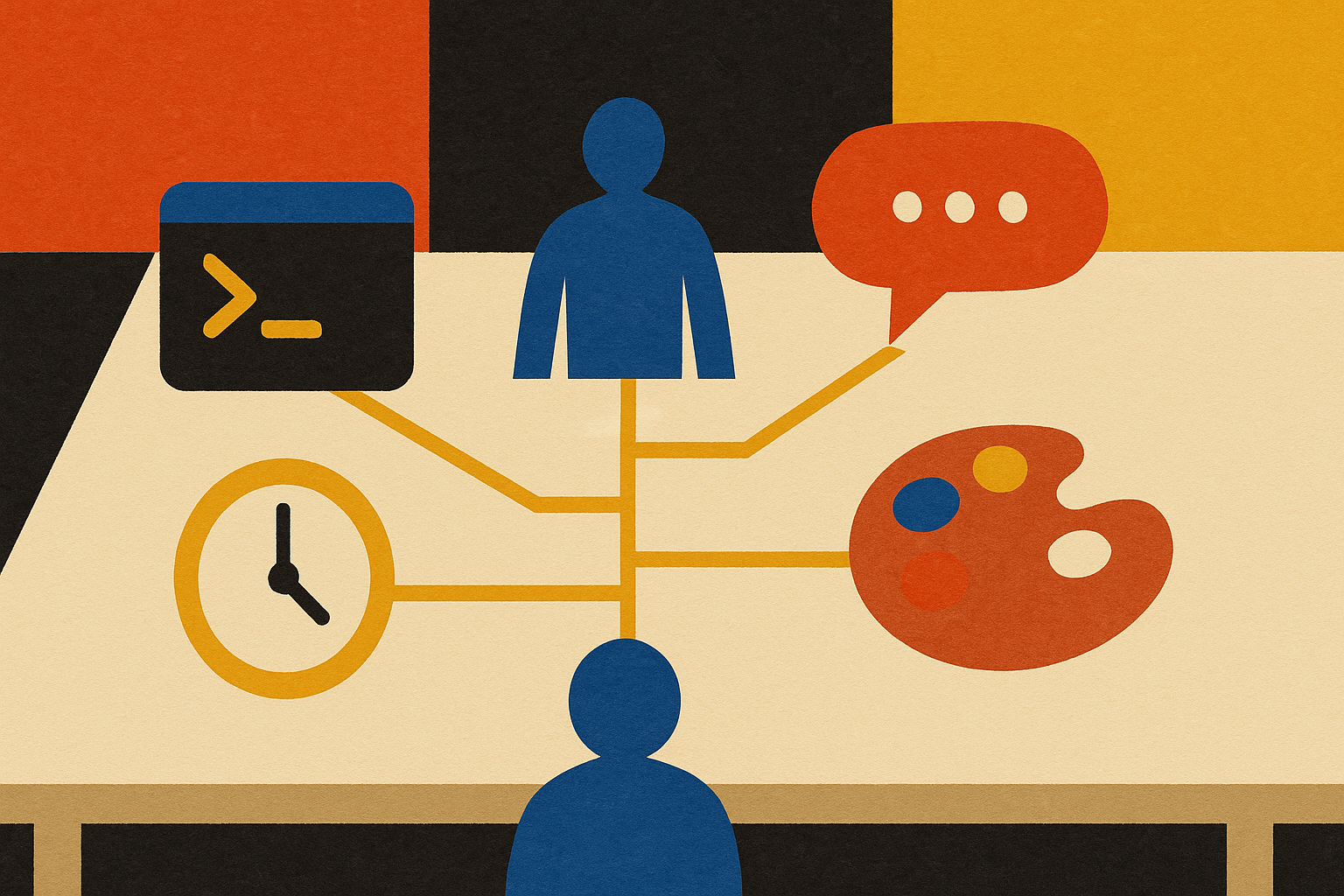
Chatting is the doorway. The workbench is where the work gets done.
Most people prompt ChatGPT or Claude, get an answer, and become responsible for everything that happens next.
A workbench changes the shape of the relationship. AI can read the project folder, inspect the files, build the thing, test the result, save what it learned, and show you what changed. You still lead. The machine carries more of the job.
The hardest part for a business owner is usually the floor plan. Where do the files live? What's a terminal? Why does Git matter? What can an MCP connect? Nobody needs a computer-science degree. You need enough language to command the work, judge the result, and clear the occasional snag.
Two workbenches. One operating idea.
Claude Code and OpenAI Codex both let AI work inside a real project instead of handing you one more answer to carry. Each can inspect files, make changes, run checks, and keep moving through a multi-step job.
Choose the one that feels clearer in your hands. Your first goal is fluency with one workbench, not loyalty to one model company. The job description, business context, examples, standards, and feedback loop belong to you. Those assets can move with you.
Install the second workbench too. It gives you another source of models, a backup when you hit a usage limit, and a second opinion when the work matters. One project folder can support both as long as each workbench can read the same source material and instructions.
The orientation prompt
Show me what you can access in this project right now. List the files, tools, skills, connectors, and permissions available to you. Then tell me what you cannot access yet, what you recommend connecting first for the job I described, and why.
Run that inside either workbench. It turns invisible setup into a plain list you can review. You learn what the machine can touch before it starts making assumptions.
The six words you need
- 1FolderThe room where one AI worker keeps its instructions, examples, business context, working files, and memory.
- 2RepositoryA folder with a reliable history. If something breaks, the history helps you see what changed and recover the last good version.
- 3CLIThe command line. It looks intimidating because it's text instead of buttons. Your workbench can operate it for you.
- 4GitThe history system behind the repository. It saves checkpoints so progress doesn't depend on memory or luck.
- 5MCPA standard way to connect AI to tools and information such as your CRM, Drive, Slack, calendar, or database.
- 6PermissionsThe keys. Give a worker only the access its job needs, then widen access after it earns trust.
Skills and workers, untangled
A skill is a trained move. A worker owns a job. One worker can use several skills to finish the job and report the result.
A useful AI worker has a name, a mission, a job description, examples, access to the right tools, a definition of good, and a daily review loop. The model can change. The job remains understandable because you wrote the operating system down.
Say it plainly: skills are the verbs. Workers own the jobs. Your workbench is where you lead them.
Let the workbench help install itself
Git, terminals, accounts, permissions, and connectors create the first real wall. Treat that wall as the first job. Ask the workbench to walk you through its own setup one step at a time and wait after every step.
The unblock-the-plumbing prompt
I want to use this workbench on a real business project. Audit what is already installed and connected on this computer. Then walk me through only the missing setup, one step at a time. Wait for me after every step. Assume I've never used a terminal, Git, or an MCP before. Explain each word in one plain sentence when it first appears.
The setup becomes a collaboration instead of a test you have to pass. Bring the snag to the Clinic when the machine can't clear it alone. We get the pipe connected and return to the business job.
Your workbench setup, in four moves
Get four things standing. Do these in order.
- 1Pick a primary workbenchStart with Claude Code or Codex. Choose the one you'll open first when a real job appears.
- 2Install the second harnessKeep the other workbench available for capacity, comparison, and continuity.
- 3Connect the plumbingCreate the project folder, turn on Git history, and add only the permissions the first job needs.
- 4Finish one real jobUse the workbench to complete something your business actually needs. A finished job teaches more than a week of tutorials.
The reflex that keeps you moving
When you don't know where something lives, what a term means, or whether the workbench can do the job, ask the workbench first. Make it inspect its own access, recommend the next step, explain the tradeoff, and wait for your approval before anything consequential happens.
Your homework
Install Claude Code or OpenAI Codex, create one project folder, and finish one small job your business needs. If you hit a wall, save the exact error and bring it to the Clinic. Then install the second workbench so the job never depends on one source of models or one token allotment.